On this page
DIRECT ANSWER
What the player needs to know
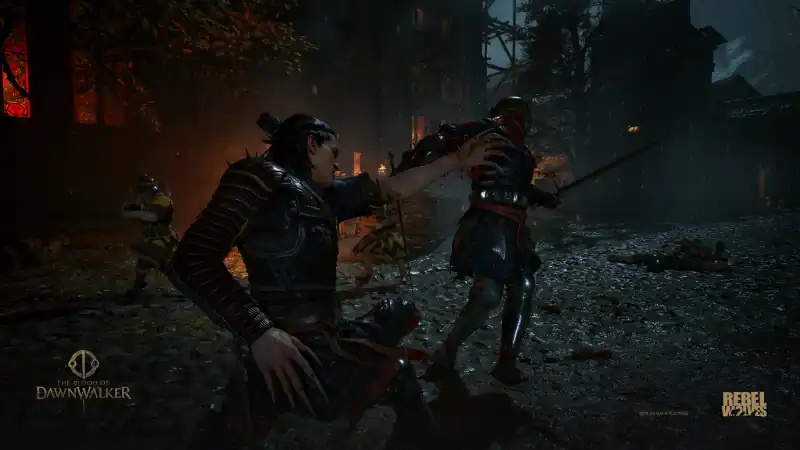
Check which bar is on screen before changing your build
Players describe the same confusion from opposite directions: some see only inventory items and think their skills vanished, while others see powers and think consumable healing is unavailable. The first check is the displayed bar, not a new skill purchase. Switching the bar does not mean the ability was unlearned.
Take a moment with space between Coen and the nearest attacker. Look at the icons, press the toggle once, and check that the intended skill or item appears before using a slot. Repeatedly pressing the slot while looking at the wrong bar can consume an item when you intended to cast a power.
- Identify whether the visible icons are items or abilities.
- Use Toggle Quickslots once while in combat.
- Confirm the new icons before activating a slot.
Use the input for your current control scheme
Open Settings and check Controls or Controller. VULKK records separate Default and Alternative controller schemes; a button quoted by another player may belong to the other scheme. PC controls can be rebound. Follow the action name in your own menu if a remembered key does nothing.
| Controller | Default | Alternative |
|---|---|---|
| Xbox | A | LB |
| PlayStation | Cross (X) | L1 |
If switching bars still does not restore the skill
Check the Active Abilities menu to see whether the intended ability is equipped. Record whether the failure happens by day, by night or both. A missing assignment, the wrong visible bar and a button that fails to respond are different symptoms; do not treat all three as proof of a corrupted save.
One September 7 Steam Deck report says quickslot buttons stopped responding with the HUD hidden, while the ability wheel still worked. If you deliberately hid the HUD, turn it back on and compare once. This is a reversible diagnostic check, not an established fix for all devices. If the failure persists, keep the platform, game version, scheme and exact symptom together when reporting it.
Checked September 8, 2026. VULKK’s launch control-menu transcription and independent September 5–7 player reports agree on the quickslot toggle. The listed controller defaults are not custom bindings. A hidden-HUD input failure is only a single Steam Deck report, not a confirmed cross-platform bug or a reason to reinstall the game.
Frequently asked questions
Why do my active abilities disappear in combat?
First check whether the consumable bar is selected. Toggle Quickslots changes between items and abilities; it is not the same as opening the skill menu or switching weapons.
Do I need to buy more slots to see my existing powers?
Not just to switch the displayed bar. Check the toggle and your equipped abilities before spending points. Capacity upgrades and missing quickslot icons are different questions.
Does hiding the HUD break quickslots?
A Steam Deck player reported this, but it has not been established across platforms. If your HUD is hidden, compare with it visible before making bigger changes.
REFERENCE RECORD
Sources used for this page
Learn Dawnwalker combat: Perfect Blocks, fighting groups, healing with Voracious Bite and escaping encounters. Includes early skill and control tips.