
On this page
DIRECT ANSWER
What the player needs to know
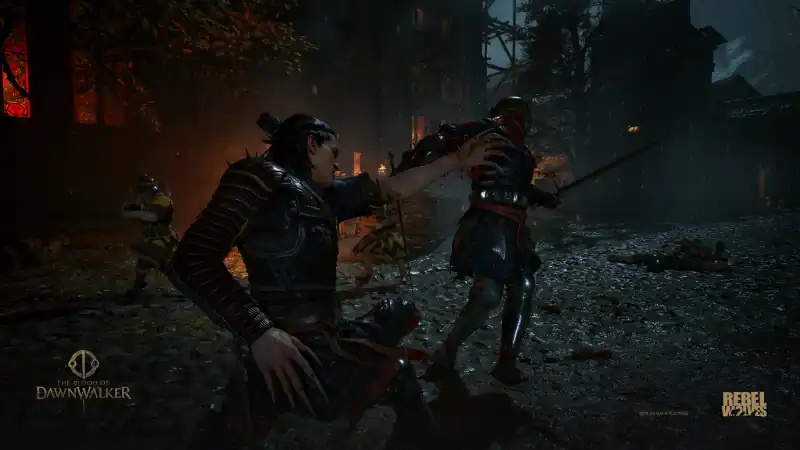
Break one defense into two questions
First ask whether the chosen direction matches the attack. Then ask whether the timing was early, exact or late. Mixing those questions makes practice noisy because a perfectly timed input in the wrong direction can still fail.
Start against a readable enemy and hold weapon, difficulty and assist settings constant. Record the on-screen feedback for each attempt. Only call a window “perfect” after the game’s own effect or a repeatable counter confirms it.
- Identify the attack angle.
- Select the matching defense.
- Apply the input at a repeatable cue.
- Compare feedback across several attempts.
Use slow motion as a diagnostic tool
The announced slow-motion option can help determine whether recognition or reaction speed is causing the failure. If direction becomes reliable with more reading time, practice the cue. If it remains inconsistent, revisit the control mapping and camera view.
This is more useful than copying an assumed parry frame count. Performance mode, display latency and final tuning can all change measured windows.
What a proper parry table needs
After launch, timing notes will name the platform, frame-rate mode, weapon, opponent and game version. A universal number without those conditions would look precise while being less useful.
Timing work will use captured footage and a named performance mode, but the guide will prefer the game’s feedback over a naked frame count. Display latency, controller polling and variable frame rate can make an apparently exact window travel poorly between setups. Several attacks with different wind-ups will be tested so one slow tutorial strike does not define the whole system. If Omniattack or Omniblock changes direction selection, assisted and manual results will be documented as separate control methods.
| Field | Example of what to capture |
|---|---|
| Attack | Enemy and named move |
| Defense | Direction and input device |
| Performance | Platform and frame-rate mode |
| Result | Block, perfect response or counter cue |
Frequently asked questions
How do I parry?
Match the incoming attack direction and time the defense. The exact perfect timing window still needs measured launch-build evidence.
Can combat be slowed down?
An optional slow-motion aid is officially confirmed.
REFERENCE RECORD
Sources used for this page
Learn the confirmed structure of directional swordplay, Witchcraft and vampiric combat before launch values make precise build advice possible.